01Museo
Museo
Exploring how a museum companion could connect physical artworks with digital context, navigation and discovery.
Museo is a self-initiated mobile experience concept developed in 2026 to explore how digital interaction could support a museum visit without competing with the artworks themselves.
Over one month, I developed the concept, visual identity, information architecture, interface system and interaction flows, bringing together exhibition discovery, conceptual AR interactions, museum wayfinding and audio guidance within a single experience.
- Role
- UI/UX & Interaction Designer — Concept Project
- Scope
- Concept · Visual Identity · UX/UI · Information Architecture · Interaction Design · Prototype
- Type
- Self-Initiated Concept
- Year
- 2026

02Designing the Museo System
Designing the Museo System
A visual language designed to support the art, not compete with it
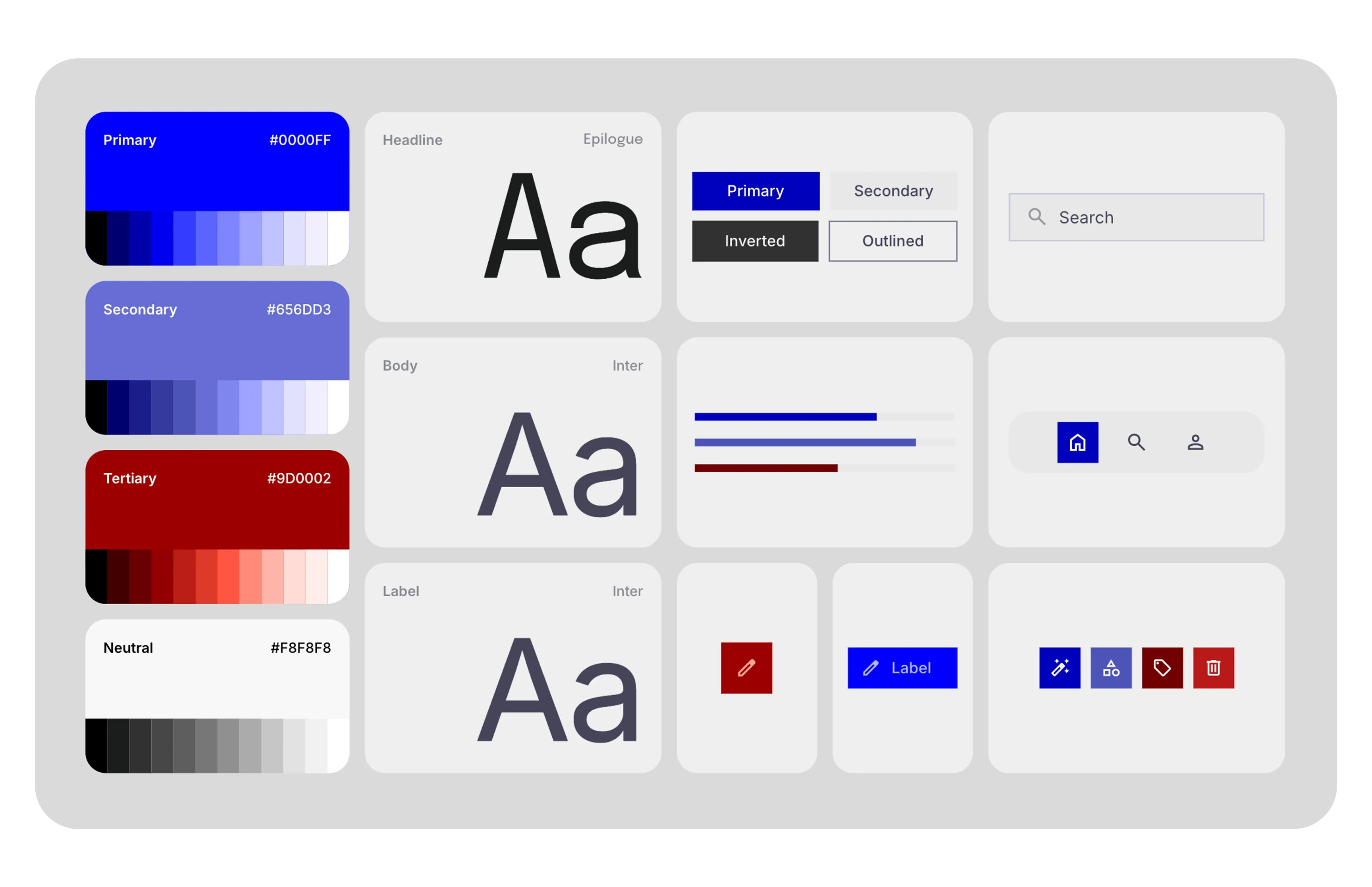
I developed Museo as a complete self-initiated design system, including the name, visual identity, typography, color palette and interface language.
The design uses a restrained, high-contrast visual system intended to keep artwork and cultural content at the center of the experience.
Rather than treating each feature as an independent screen, I designed a shared interface language across exhibition discovery, artwork information, navigation and supporting content.
The information architecture and navigation were structured around a simple objective: allow visitors to move between discovering, locating and understanding artworks without creating unnecessary interface complexity.
03Designing the Museum Experience
Designing the Museum Experience
Connecting discovery, context and wayfinding through one interface
The concept was developed around several connected experience areas.
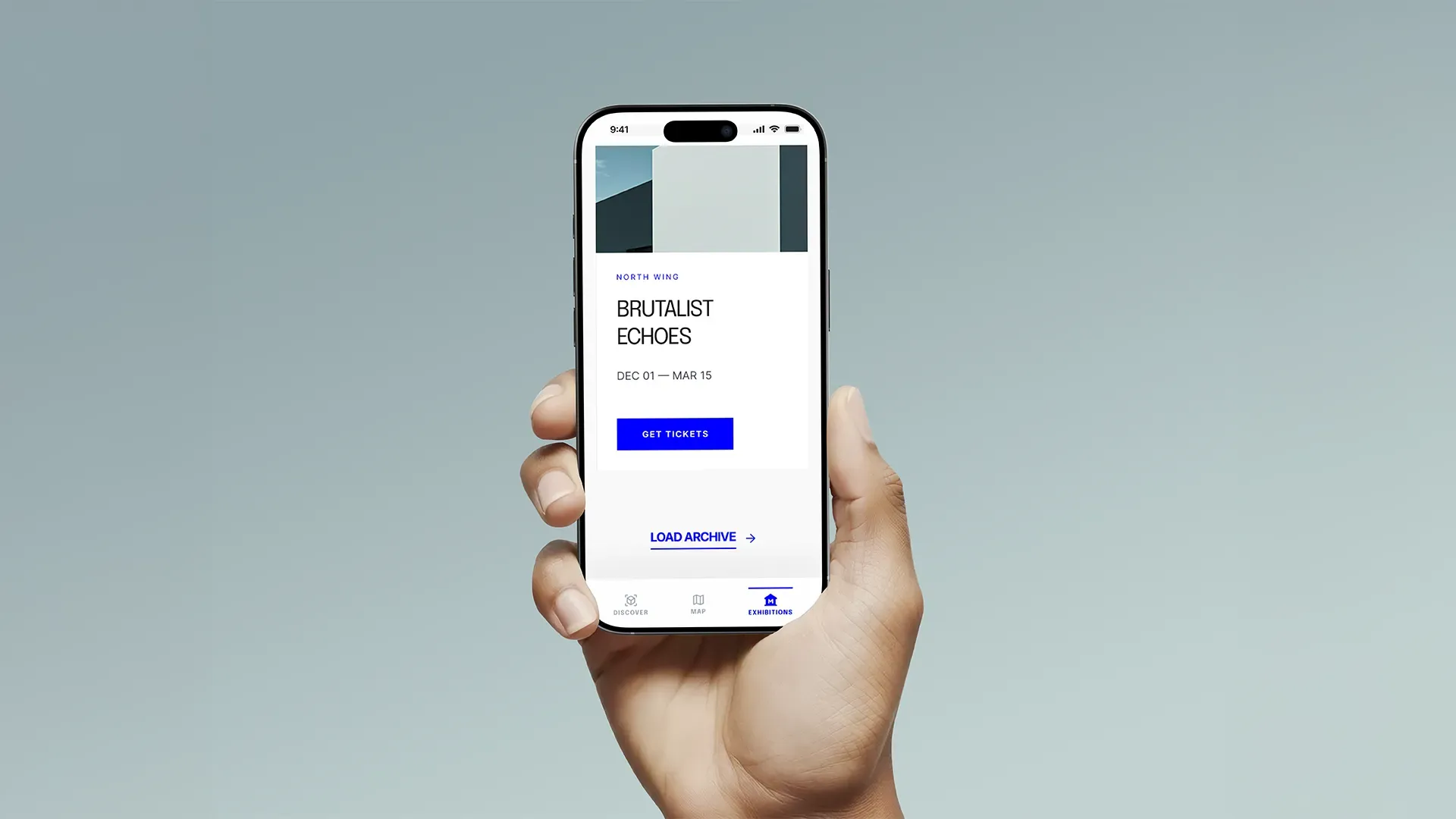
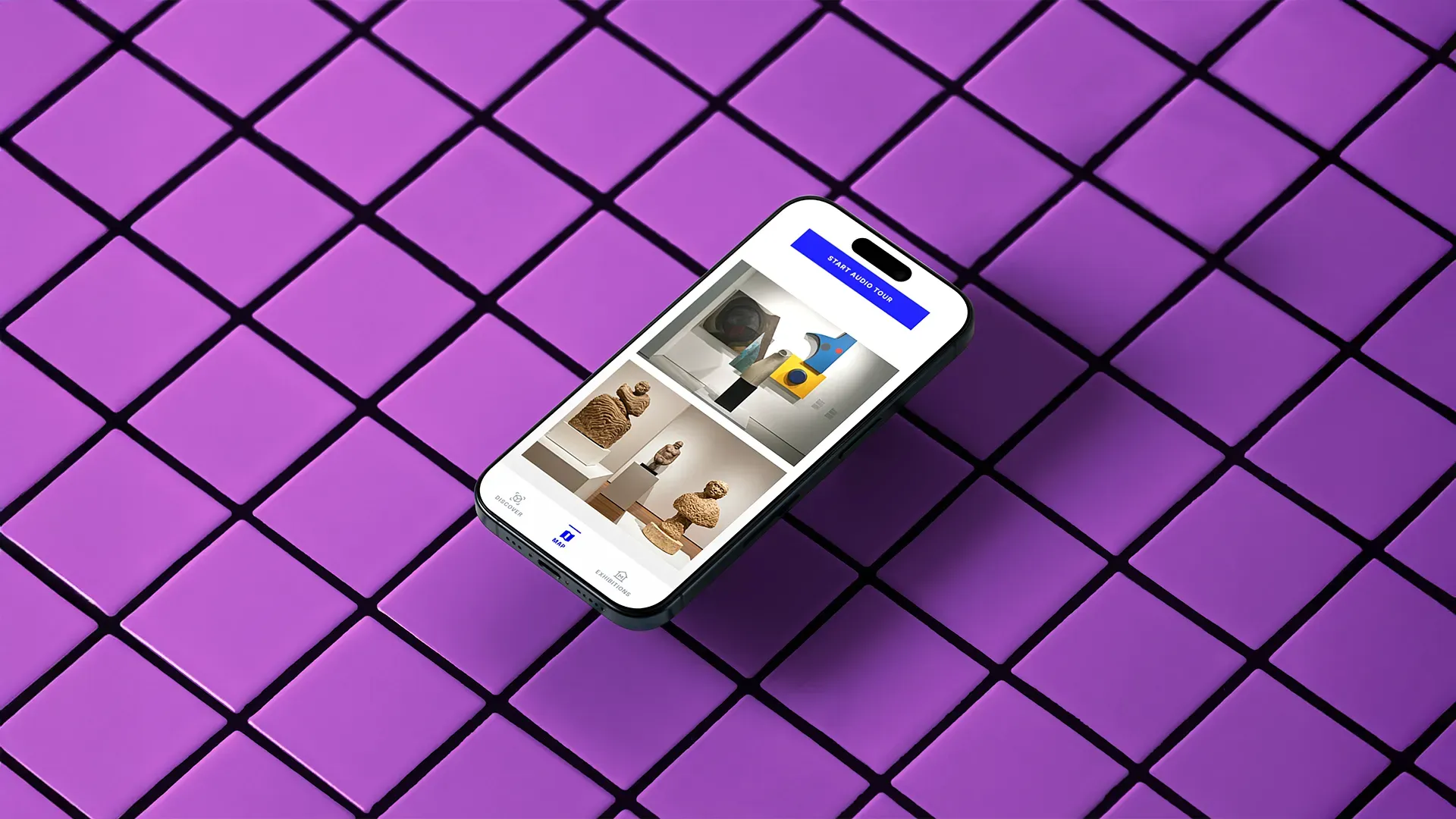
Exhibition Discovery introduces current shows through a visually led browsing system.
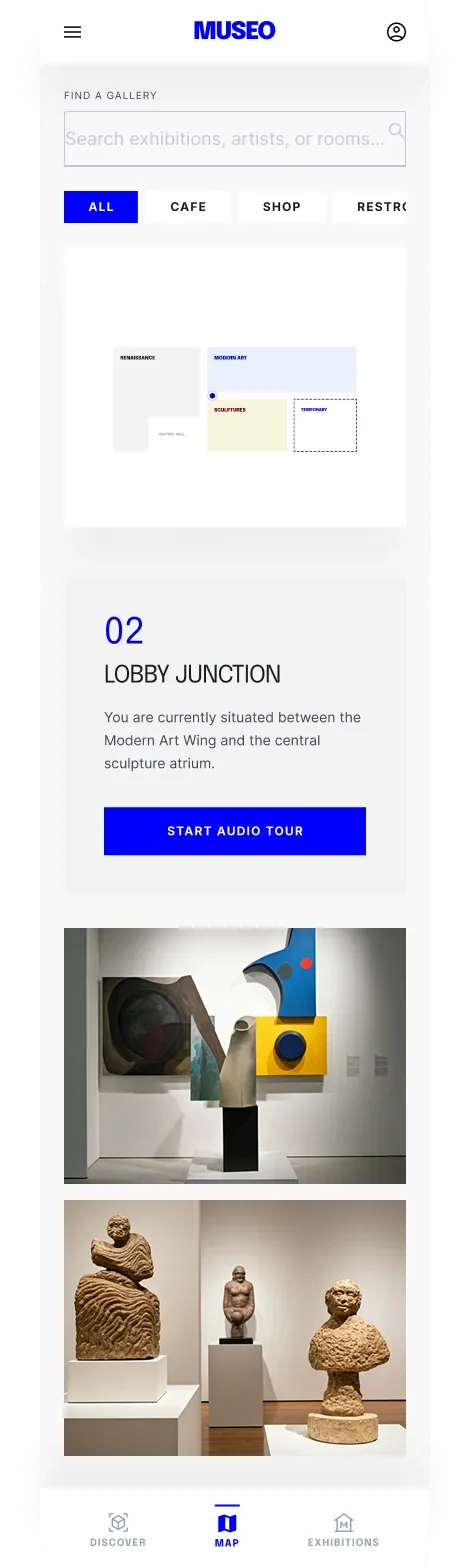
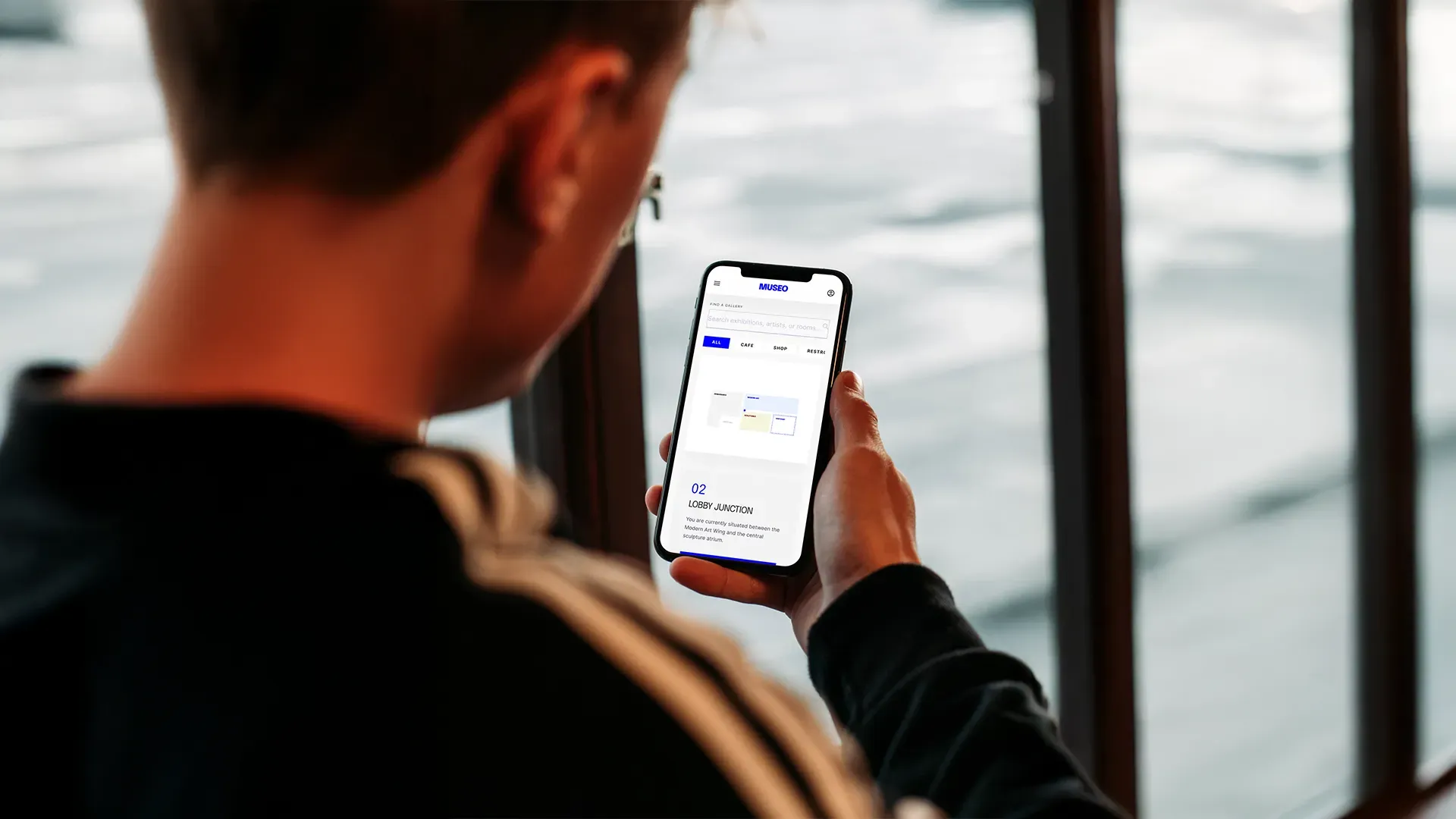
Museum Map explores indoor wayfinding through a simplified spatial interface designed to help visitors understand where they are and where they want to go.
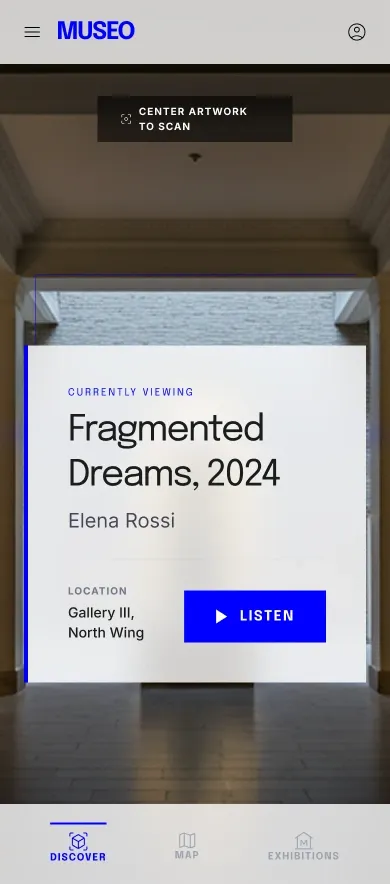
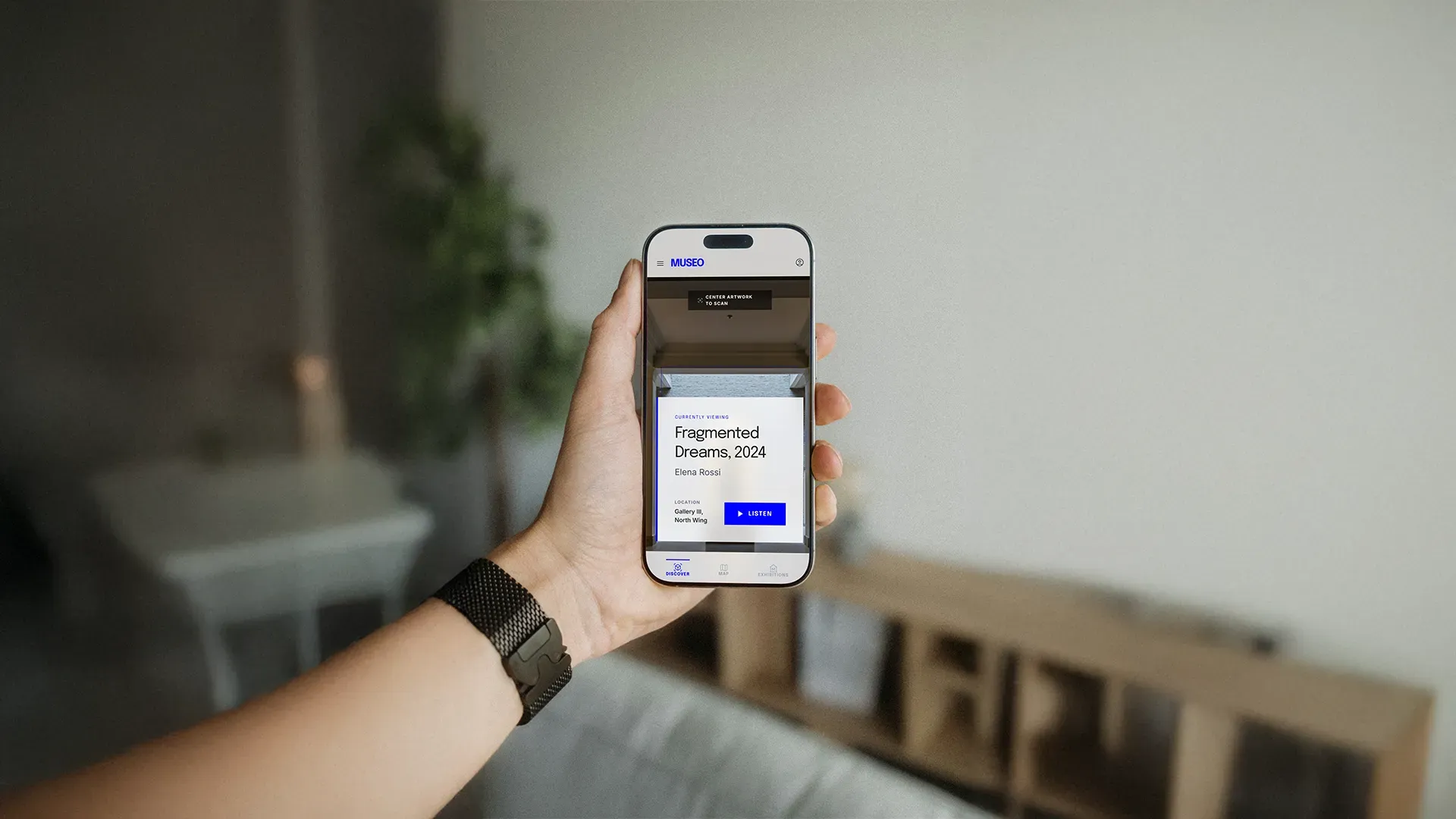
AR Discovery Mode imagines a camera-based layer that could surface contextual information while viewing physical artworks.
Audio Guidance extends the artwork experience with supporting commentary that can remain accessible while moving through the museum.
These features were designed as conceptual product interactions rather than implemented AR or indoor-positioning technology.
A clickable Figma prototype was created to explore the navigation and interaction flows across the experience.
04Concept Visualisation & Credits
Concept Visualisation & Credits
Translating the interface into a believable museum context
The final stage focused on presenting Museo as a coherent product concept across both interface screens and contextual visualisations.
Stock imagery and presentation mockups were used to place the interface within museum environments, with compositing and presentation work completed in Adobe Photoshop.
These images represent concept visualisations rather than evidence of a commercially implemented product or live museum deployment.
- Role
- UI/UX & Interaction Designer — Concept Project
Responsibilities
- Concept development
- Naming and visual identity
- Information architecture
- UX/UI design
- Navigation and interaction design
- Conceptual AR interface
- Conceptual museum wayfinding
- Clickable prototyping
- Presentation design and compositing
Tools
- Figma
- Adobe Photoshop
- Adobe Illustrator
Credits
Stock imagery and stock/mockup resources were used within the presentation visuals.
Concept, naming, visual identity, UX/UI system, interaction design and prototype by Efe Can Akar.